

Framer
Framer: Herramienta de prototipado para animación e interacción. Lee la opinión de 6 influencers.
Title: A Comprehensive Overview of Framer: A Revolutionary AI-Powered Prototyping Tool
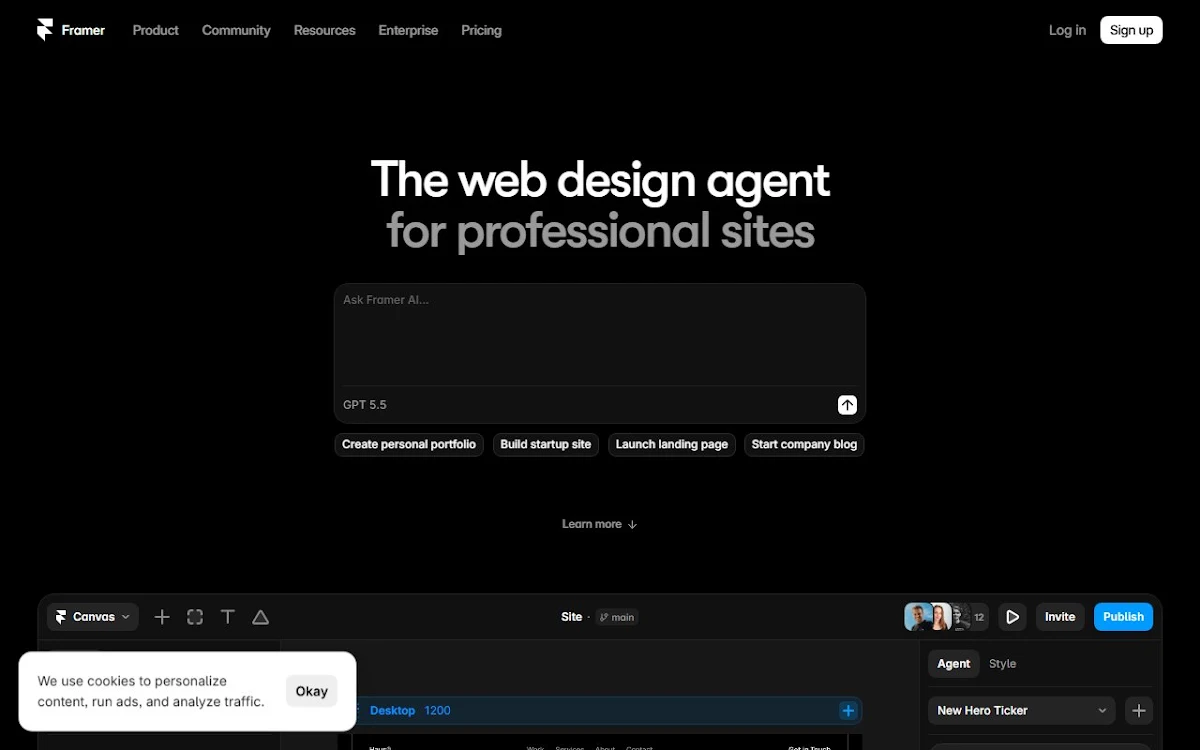
Framer, an innovative software developed by the Framer X team, is a powerful design tool that seamlessly integrates design, prototyping, and collaboration, all within a single platform. It's designed to streamline the digital product design process by offering an intuitive and efficient way to create, test, and iterate on designs, making it an indispensable asset for modern product teams.
Problem Solved:
Framer addresses the challenges faced by designers in creating high-fidelity, interactive prototypes. By bridging the gap between design and development, it allows designers to focus on the creative aspects of their work while ensuring a smooth transition to the implementation phase.
Key Features:
1.
Design System Management:
Framer helps organize and manage design assets, components, and styles to ensure consistency across different projects and teams.
2.
Interactive Prototyping:
With Framer, designers can create complex, interactive prototypes that mimic the behavior of the final product, making it easier to test and validate ideas.
3.
Collaboration Tools:
Framer fosters teamwork by providing real-time collaboration features, enabling team members to discuss, review, and iterate on designs together.
4.
Code Export:
Framer allows designers to export their designs as production-ready code, reducing the reliance on developers for minor changes and updates.
Real-world Use Cases:
Framer is used by various industries, including technology, finance, healthcare, and education, to design and prototype digital products such as websites, mobile apps, and web applications.
Target Audience:
Framer is ideal for UX/UI designers, product teams, and development teams who seek a streamlined process for creating, testing, and collaborating on digital product designs.
Advantages:
Framer offers a user-friendly interface, seamless collaboration, and efficient code export, making it a popular choice among designers and developers.
Disadvantages:
While Framer is packed with features, some users may find the learning curve steep, especially those without prior design or coding experience.
Comparison with Alternatives:
Framer competes with tools like Sketch, Figma, and Adobe XD. While all four offer similar features, Framer stands out with its focus on design system management and code export, making it a more developer-friendly option.
Pricing Model
Framer offers a free trial for new users. The paid plans are:
1.
Starter:
Ideal for individual designers, this plan costs $15 per month and includes basic design and prototyping features.
2.
Pro:
Designed for small teams, this plan costs $29 per editor per month and offers advanced features like design system management and real-time collaboration.
3.
Team:
Suitable for larger teams, the Team plan offers custom pricing based on the number of editors. It includes all Pro features, as well as additional features like version control and priority support.
Framer's pricing structure caters to both individual designers and teams of varying sizes, making it accessible to a wide range of users.
También puede interesarte.


