
ChatPDF on Android - Ask your PDF
Participa en conversaciones interactivas con tus PDF como nunca antes. Ya sea que estés estudiando, trabajando o simplemente explorando, ChatPDF en Android transforma tu forma de interactuar con tus PDF. Haz preguntas, extrae información y obtén respuestas al instante.
Title: A Comprehensive Review of ChatPDF on Android - Ask your PDF: A Revolutionary AI-Powered Tool for Enhanced Productivity
ChatPDF on Android - Ask your PDF is an innovative software application that leverages artificial intelligence (AI) to transform the way users interact with PDF documents on their Android devices. This tool serves as a personal assistant, enabling users to ask questions and receive answers directly from their PDF files, thereby streamlining the process of information retrieval and boosting productivity.
Problem Solved: ChatPDF on Android addresses the challenges associated with searching and navigating through lengthy PDF documents, particularly when the information is not structured or indexed. By allowing users to ask questions in natural language, it saves time and effort, making it easier to find specific information within PDF files.
Key Features: 1. Question and Answer: Users can ask questions in natural language, and ChatPDF will search the PDF document to find the relevant information and provide answers. 2. Contextual Understanding: ChatPDF is equipped with advanced AI capabilities that enable it to understand the context of the questions and provide accurate answers. 3. Offline Access: Users can download PDF files for offline access and question answering. 4. Multi-Language Support: ChatPDF supports multiple languages, making it accessible to a global user base. 5. Integration with Google Drive and Dropbox: Users can easily import PDF files from their cloud storage accounts for question and answer sessions.
Real-world Use Cases: 1. Students can use ChatPDF to quickly find specific information in academic papers, textbooks, or research articles. 2. Professionals can use it to search through contracts, reports, and manuals without having to manually scroll through the documents. 3. Researchers can use ChatPDF to quickly find relevant information in large datasets or research articles.
Target Audience: The primary audience for ChatPDF on Android includes students, professionals, researchers, and anyone who frequently works with PDF documents and seeks a faster, more efficient way to find information within them.
Advantages and Disadvantages: Advantages: 1. Saves time and effort by reducing the need to manually search through PDF documents. 2. Offers accurate answers thanks to its advanced AI capabilities. 3. Supports multiple languages. 4. Allows offline access to PDF files.
Disadvantages: 1. May not always provide perfect answers due to the complexity and occasionally unstructured nature of some PDF documents. 2. Requires an internet connection for some features, such as importing files from cloud storage.
Comparison with Alternatives: Compared to traditional PDF readers, ChatPDF offers a more efficient way to find information within PDF documents. However, it is not a direct replacement for search engines or other AI-powered tools. It is more focused on providing quick answers to specific questions within PDF files.
Pricing Model:
ChatPDF on Android offers a free trial for users to test the service. Paid plans are available for users who require additional features or increased usage limits.
1. Free Trial: Users can sign up for a free trial to test the service and its features. 2. Premium Plans:
- Basic Plan: Ideal for casual users who need basic features and limited usage.
- Pro Plan: Suitable for power users who require advanced features and unlimited usage.
- Enterprise Plan: Designed for businesses and organizations with specific needs and requirements.
The exact pricing details for the paid plans are not publicly available, but it is reasonable to assume that the Pro and Enterprise plans offer additional features and increased usage limits at a higher cost compared to the Basic plan.
También puede interesarte.


Rainslice gives home services businesses AI employees, starting with Pamela. She picks up after hours, books jobs, builds quotes, and follows up, 24/7. Rainslice AI employees run...
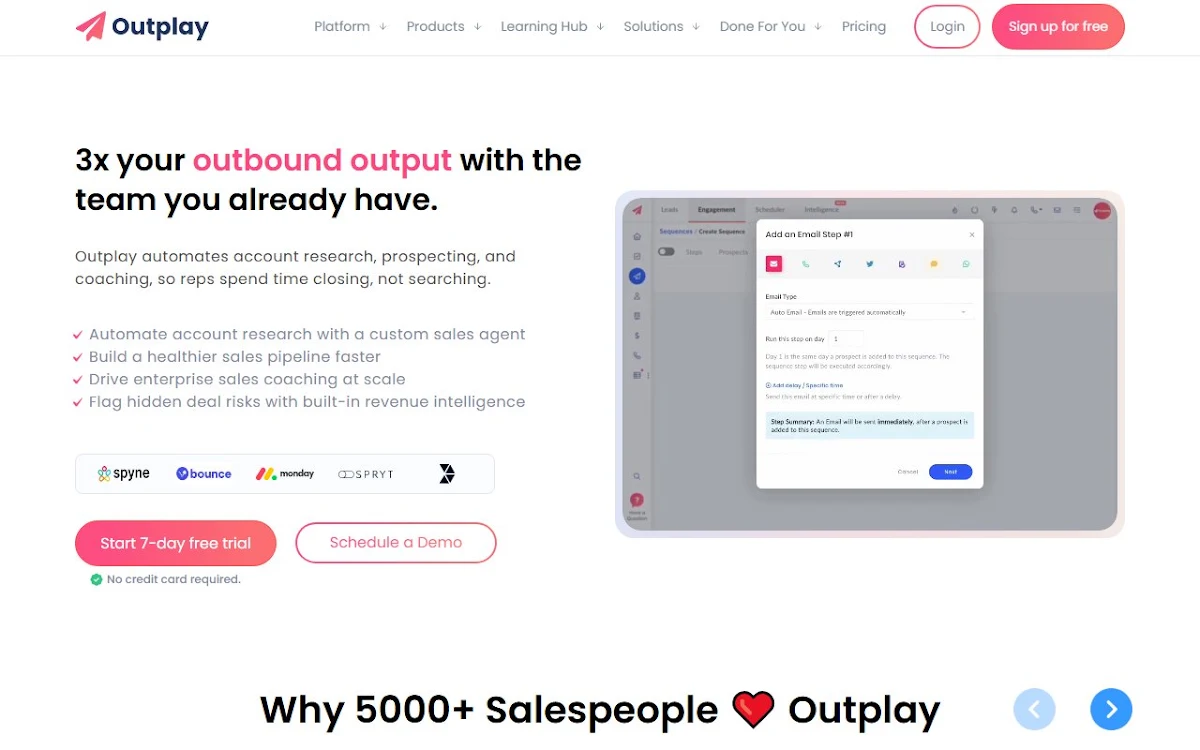

Outplay es una plataforma de interacción de ventas multicanal todo en uno que ayuda a los equipos de ventas a cerrar más acuerdos y aumentar significativamente los ingresos.