ChatCSV
ChatCSV es un asistente para científicos de datos que permite a los usuarios subir un archivo CSV y formular preguntas. Incluye funciones que ayudan a los usuarios a generar preguntas comunes, visualizar respuestas con gráficos, guardar el historial de chat y usar la herramienta en diversos sectores. También proporciona a los usuarios las condiciones legales del servicio y una política de privacidad.
Title: An Exhaustive Overview of ChatCSV: The AI-Powered Tool Revolutionizing Data Analysis
ChatCSV is an innovative software application that leverages artificial intelligence (AI) to streamline data analysis and interpretation, particularly for CSV files. This tool is designed to help users extract meaningful insights from their data quickly and efficiently, thereby reducing the time and effort spent on manual data analysis.
Problem Resolution: The primary problem that ChatCSV addresses is the tedious and time-consuming process of manually analyzing large datasets, especially when dealing with CSV files. By automating the data analysis process, ChatCSV enables users to focus on strategic decision-making rather than being bogged down by data manipulation.
Key Features: 1.
Automated Data Analysis:
ChatCSV uses AI to analyze data within CSV files, identifying patterns, trends, and anomalies without human intervention. 2.
Interactive Question-Answering:
Users can ask questions about their data in natural language, and ChatCSV will provide answers and visualizations based on the data. 3.
Data Visualization:
The tool offers various types of visualizations, such as charts, graphs, and tables, to help users understand their data better. 4.
Real-time Analysis:
ChatCSV provides real-time analysis, allowing users to ask questions and get answers as soon as new data is added to the CSV file. 5.
Integration Capabilities:
ChatCSV can be integrated with other tools and platforms, making it easier for users to incorporate data analysis into their existing workflows.
Real-life Use Cases: 1.
Business Intelligence:
ChatCSV can help businesses gain insights into customer behavior, sales trends, and market conditions by analyzing large datasets. 2.
Research:
Academics and researchers can use ChatCSV to analyze data from various sources, helping them draw conclusions and make predictions. 3.
Data Journalism:
Journalists can use ChatCSV to analyze data from various sources, helping them uncover stories and trends.
Target Audience: The primary audience for ChatCSV includes data analysts, business analysts, researchers, journalists, and anyone who works with large datasets in CSV format.
Advantages and Disadvantages:
Advantages:
-
Efficiency:
ChatCSV automates the data analysis process, saving users time and effort. -
Ease of Use:
The tool's natural language interface makes it easy for users without extensive data analysis expertise to use. -
Real-time Analysis:
Users can get answers and insights as soon as new data is added to the CSV file.
Disadvantages:
-
Limited to CSV Files:
ChatCSV is designed to work with CSV files only, which may limit its usefulness for users working with other data formats. -
Data Privacy:
Since the tool analyzes data, it may raise concerns about data privacy and security.
Comparison with Alternatives: Compared to other data analysis tools, ChatCSV stands out for its natural language interface and real-time analysis capabilities. However, tools like Tableau and Power BI offer more comprehensive data visualization options and support for various data formats.
Pricing Model:
ChatCSV offers a free trial for new users, allowing them to test the tool before committing to a paid plan. Paid plans are tailored to different user types:
1.
Basic Plan:
Ideal for individual users who need basic data analysis capabilities. 2.
Pro Plan:
Suitable for small businesses and teams that require more advanced features and larger data volumes. 3.
Enterprise Plan:
Designed for large organizations with complex data analysis needs and stringent security requirements.
Each plan offers increasing levels of features and support, with pricing based on the number of users and data volume.
También puede interesarte.




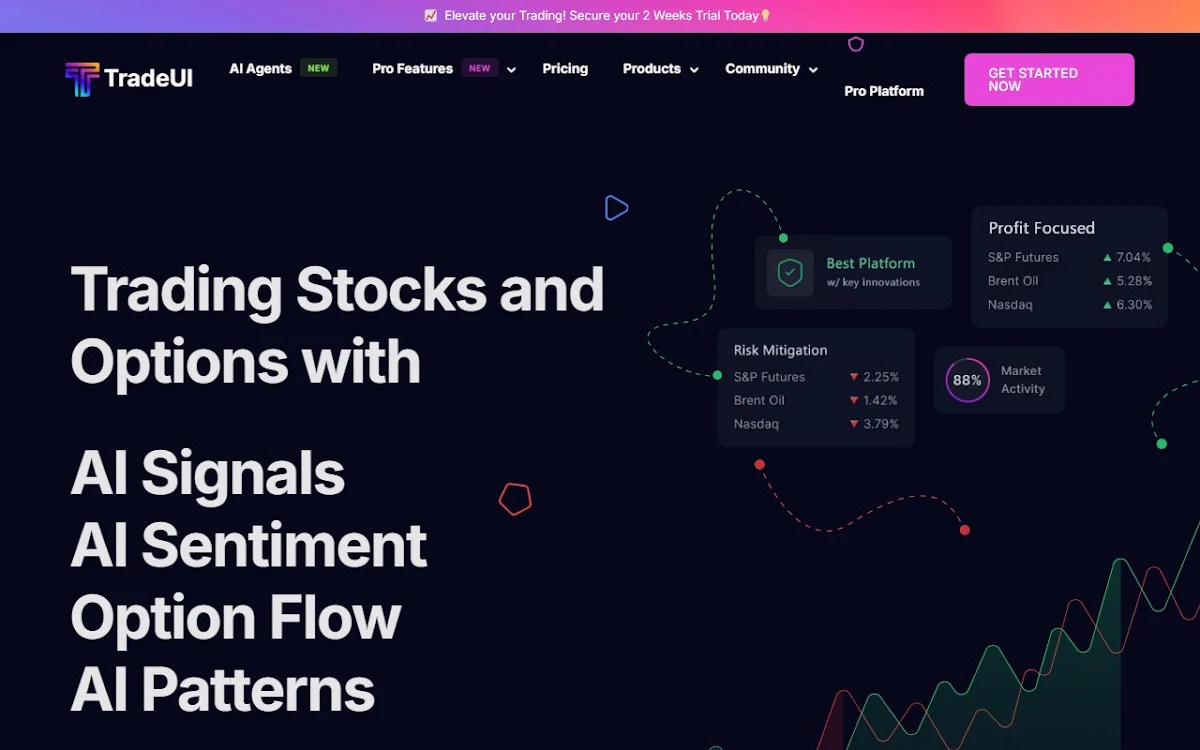

TradeUI ofrece una gama de potentes herramientas basadas en datos de IA para ayudar a los operadores a encontrar mejores operaciones y mejorar su tasa de éxito y sus ganancias. Estas herramientas incluyen flujo de opciones, análisis técnico, señales de trading y más. TradeUI también proporciona alertas en tiempo real sobre eventos importantes en los mercados.