
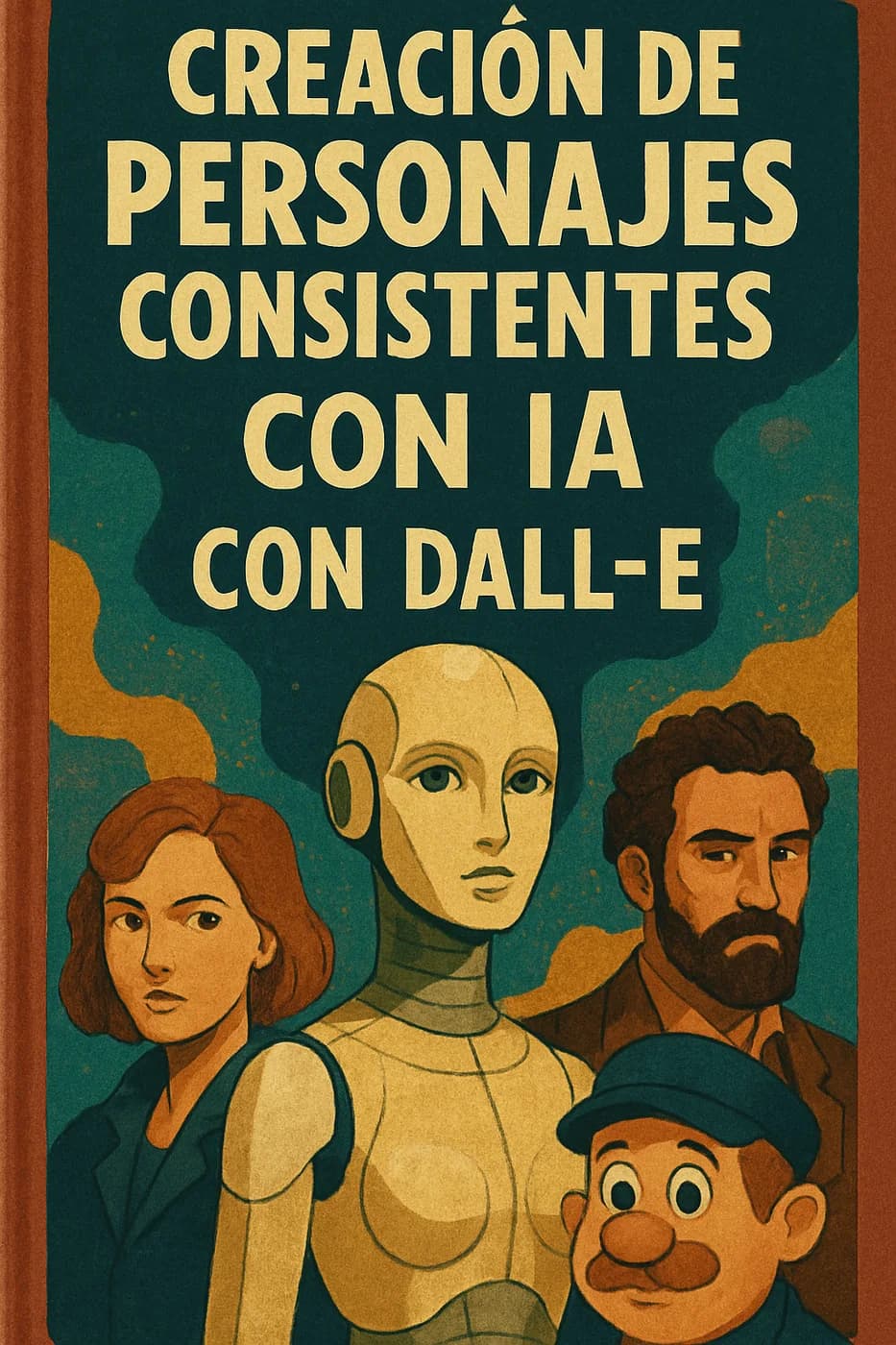
Creacion de personajes consistentes con ia con DALL·E
🔍 ¿Por qué es difícil mantener la consistencia en IA? Los generadores de imágenes como DALL·E crean resultados a partir de texto, pero no “recuerdan” un personaje previo a menos que se use una imagen de referencia.
Introducción
🔍 ¿Por qué es difícil mantener la consistencia en IA?
Los generadores de imágenes como DALL·E crean resultados a partir de texto, pero no “recuerdan” un personaje previo a menos que se use una imagen de referencia.
Por eso, para lograr consistencia visual, hay que trabajar con:
Un personaje base bien definido.
Referencias visuales (subidas).
Prompts muy detallados y bien estructurados.
🧱 PASO 1: DEFINE TU PERSONAJE BASE
Antes de generar imágenes, tenés que tener claro:
Género, edad y etnia.
Ropa y estilo.
Color de pelo, ojos, piel.
Personalidad o actitud.
Estilo visual (realista, cartoon, Pixar, anime, etc.)
✍️ Ejemplo de ficha base
Nombre: Lía
Género: Mujer
Edad: 27 años
Estilo: Urbana, moderna, influencer
Rasgos: Piel trigueña, ojos verdes grandes, cabello castaño oscuro ondulado hasta los hombros.
Ropa habitual: Campera de cuero negra, jeans ajustados, zapatillas blancas.
Actitud: Segura, energética, mirada directa.
Estilo visual: 3D Pixar style.
🎯 PASO 2: CREA TU PRIMERA IMAGEN CON PROMPT DETALLADO
🧾 Prompt ejemplo
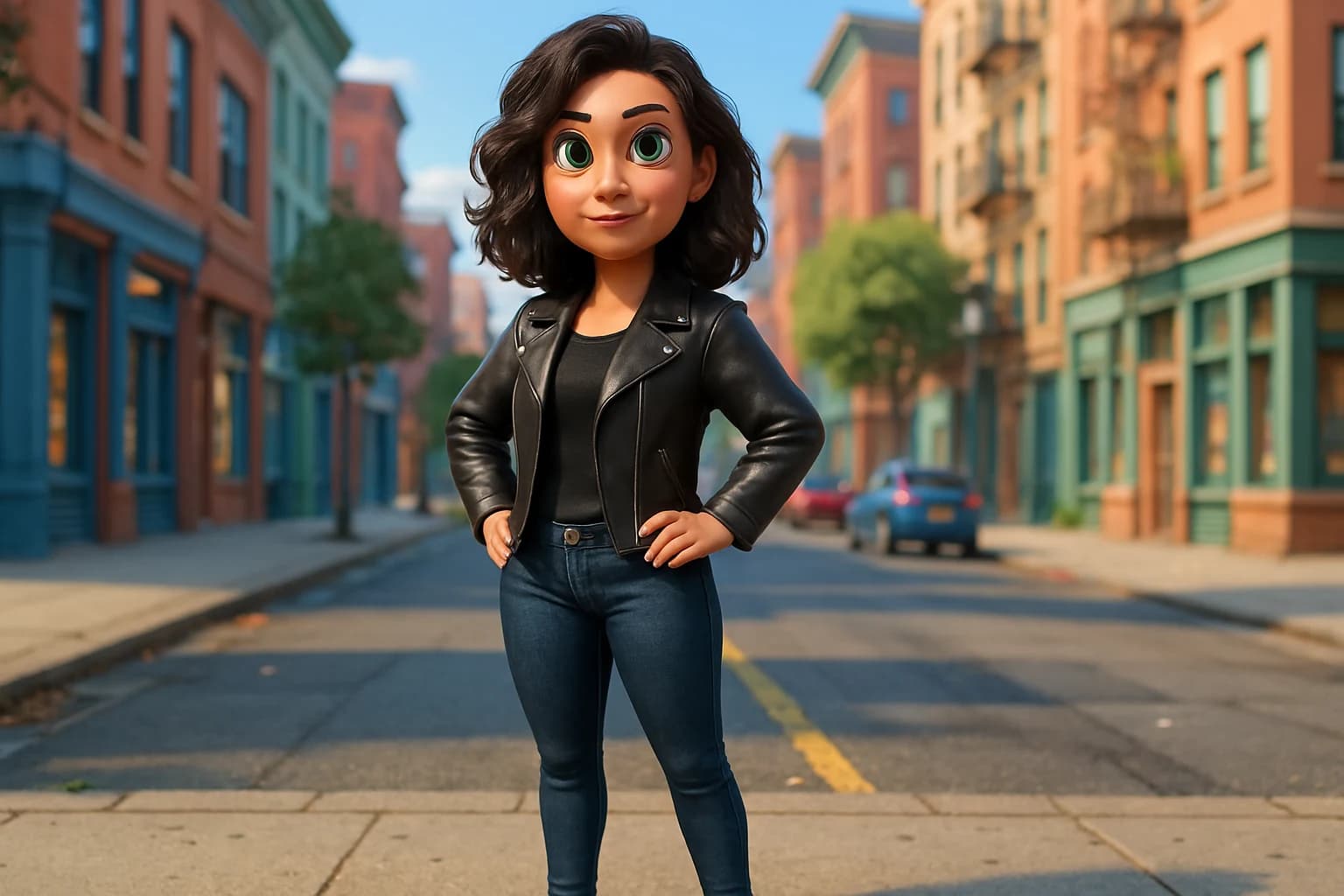
A confident 27-year-old Latina woman with wavy dark brown shoulder-length hair, light brown skin, large green eyes, wearing a black leather jacket and skinny jeans with white sneakers, standing in an urban street. Pixar-style 3D rendering, full body, natural light, soft shadows, bright and colorful background.
➡️ Consejos:
Siempre especificá: edad, tipo de cuerpo, ropa, expresión facial, pose, estilo visual.
Añadí palabras como “Pixar-style”, “digital art”, “studio lighting”, “clean background”, etc. para mayor control.
📸 PASO 3: VARIACIONES CONSISTENTES CON IMAGEN DE REFERENCIA
Una vez generás una imagen que te gusta, usala como base en futuras variaciones con DALL·E.
✅ ¿Cómo hacerlo?
Subí la imagen generada.
Hacé clic en “Editar” (Editar imagen).
Usá el pincel para seleccionar el área que querés cambiar.
Escribí un prompt que mantenga el estilo y atributos.
🧾 Prompt de edición
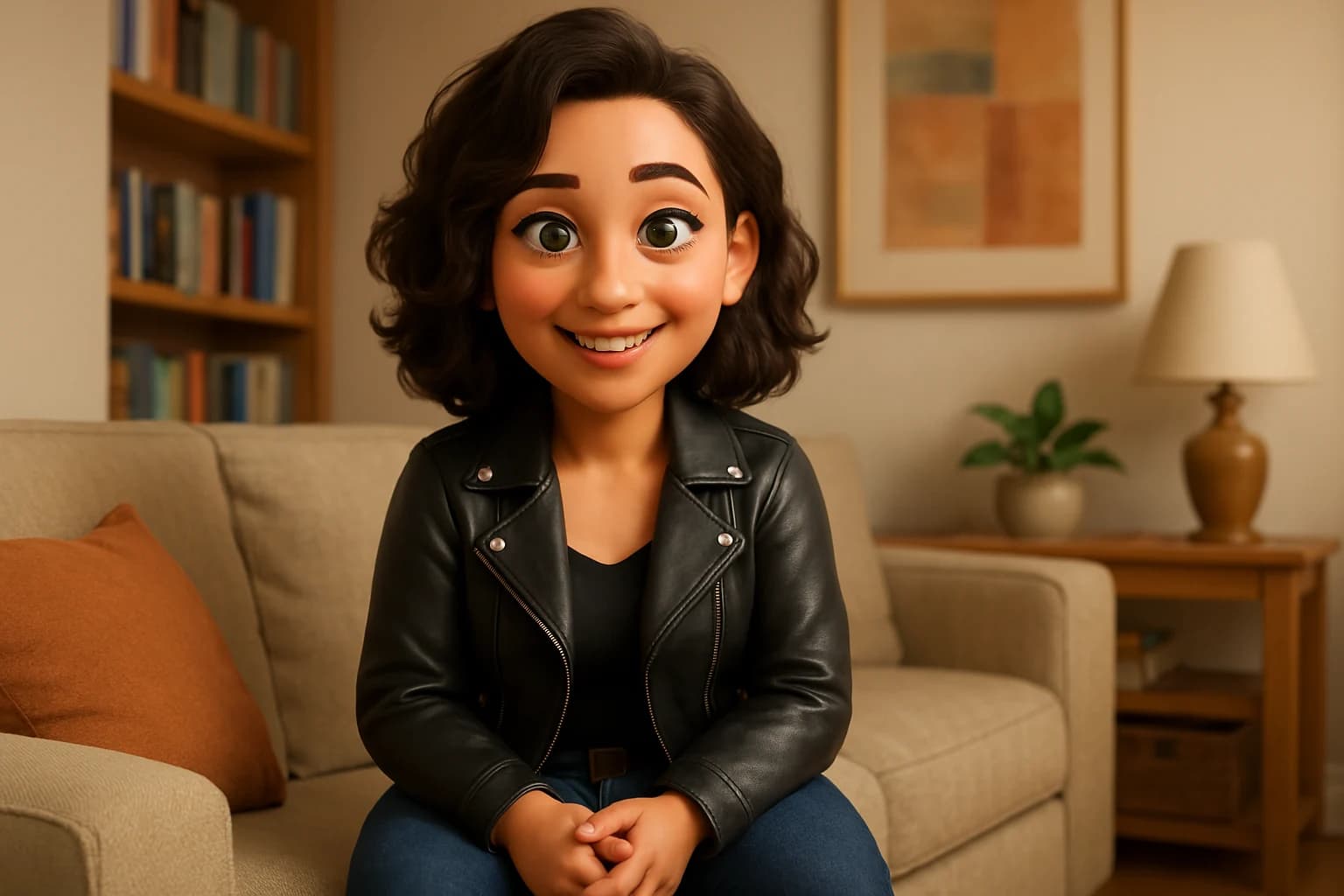
The same woman, now smiling and sitting on a couch, still wearing the same black leather jacket and jeans, with a cozy living room background, Pixar-style.
🔁 PASO 4: CREA ESCENAS DISTINTAS CON EL MISMO PERSONAJE
Utilizá la imagen original en distintas situaciones.
🎬 Ejemplos:
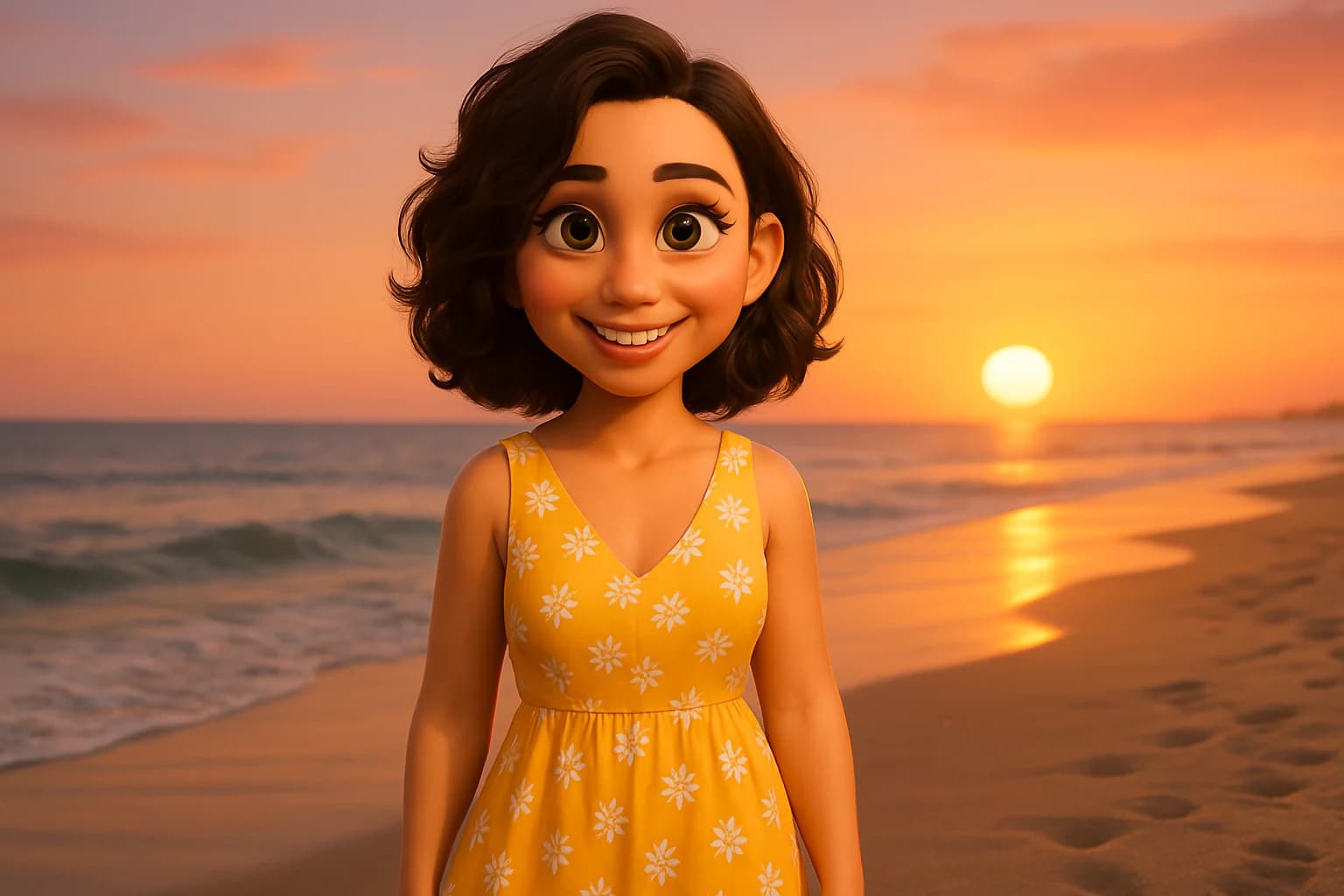
En la playa: The same woman, wearing a summer outfit, standing on the beach at sunset, still with her same hairstyle and face, Pixar-style.
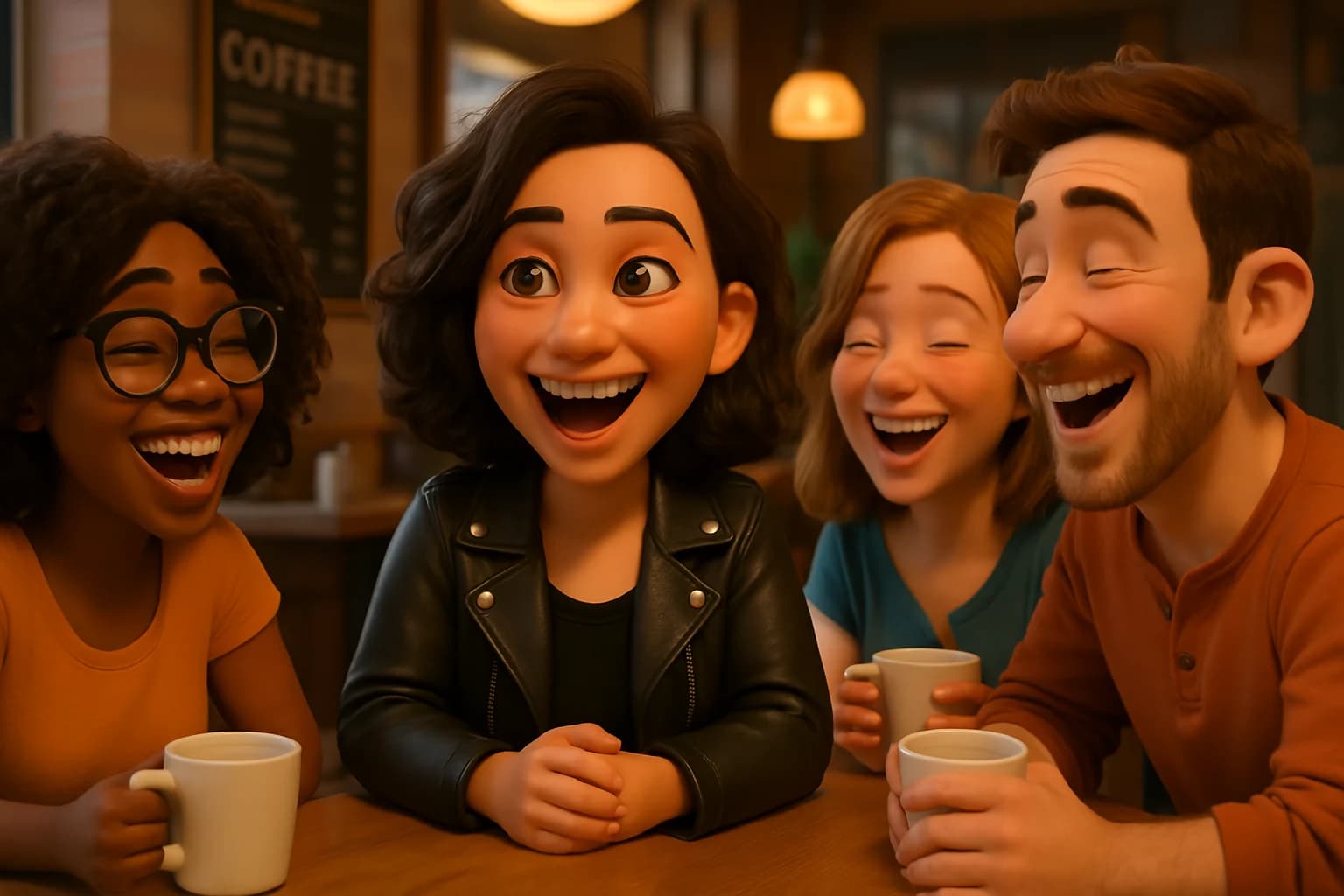
Con amigos: The same character, sitting with three friends at a coffee shop, laughing, same hairstyle and features, Pixar-style.
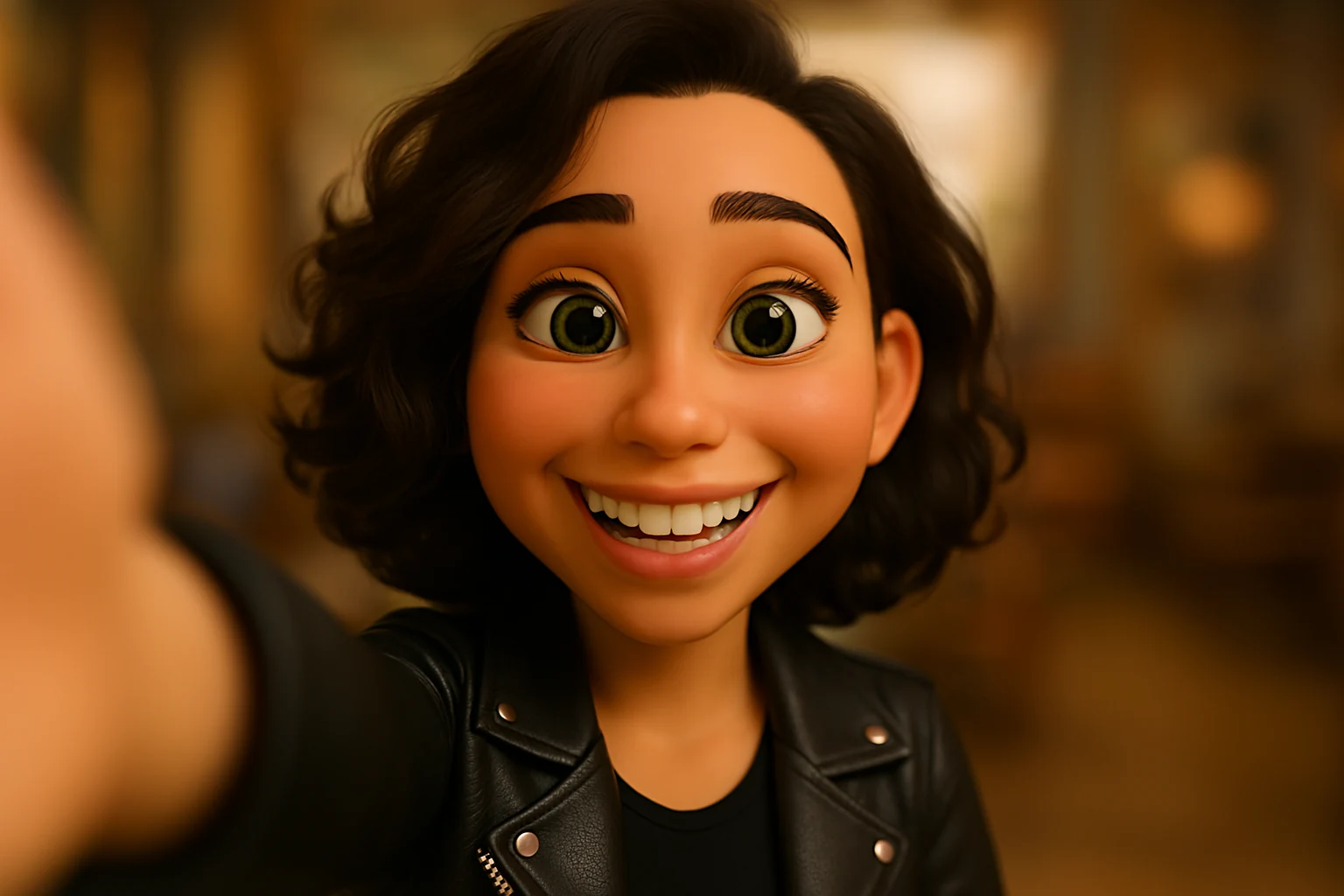
Selfie: A selfie of the same woman smiling, arm extended toward the camera, blurred background, Pixar-style.
🧠 CONSEJOS CLAVE PARA CONSISTENCIA
✅ 1. Usa SIEMPRE la imagen de referencia
Para mantener rasgos faciales, estilo y ropa.
✅ 2. Usa frases como:
“The same woman”
“Same facial features and hairstyle”
“Identical outfit and expression”
“Based on previous image”
✅ 3. No cambies demasiado en un solo prompt
Modificá de a poco: primero el fondo, luego la ropa, luego la pose.
✅ 4. Guardá tus prompts exitosos
Y usalos como base para generar nuevas variaciones.
✨ BONUS: GENERÁ UNA PLANTILLA BASE
Prompt plantilla reutilizable: A [age]-year-old [ethnicity] [gender] with [hair color and style], [eye color], [skin tone], wearing [clothing description], in a [background setting]. 3D Pixar-style rendering, full body, clean background, soft lighting.
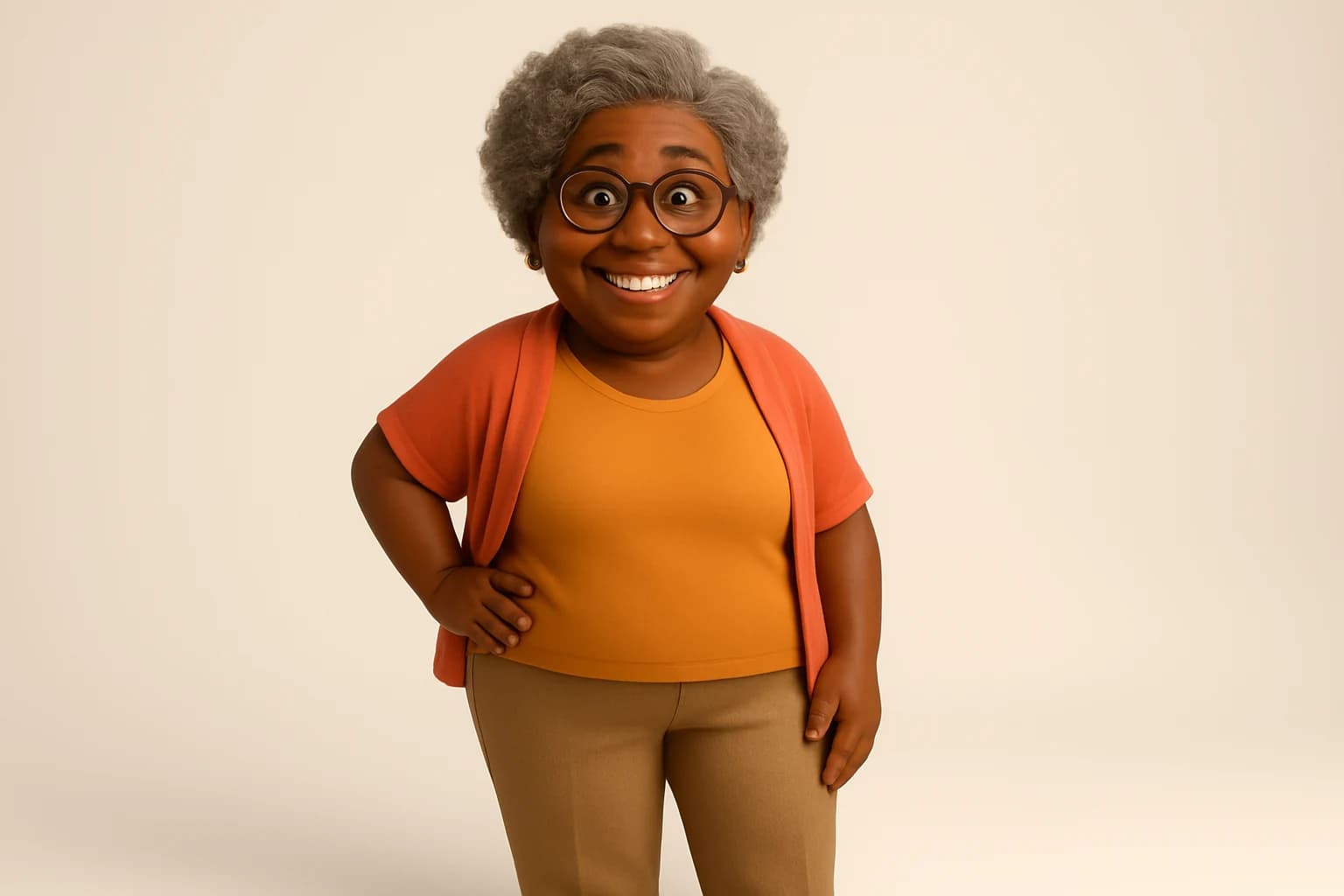
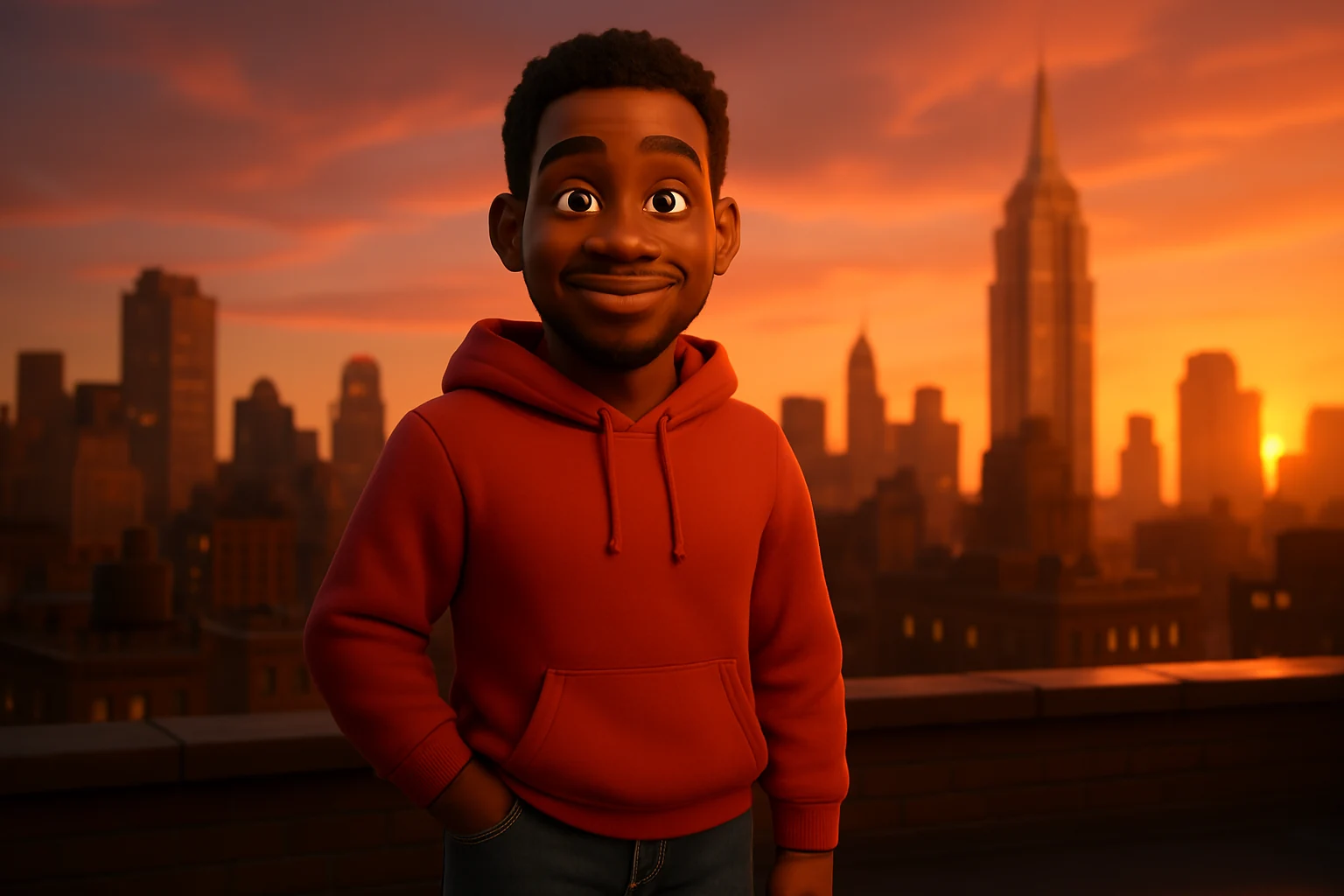
Ejemplo completo: A 30-year-old Black man with short curly hair, brown eyes, dark skin, wearing a red hoodie and jeans, standing on a city rooftop at sunset. 3D Pixar-style rendering, full body, cinematic lighting.
💬 PROMPTS AVANZADOS PARA VARIACIONES
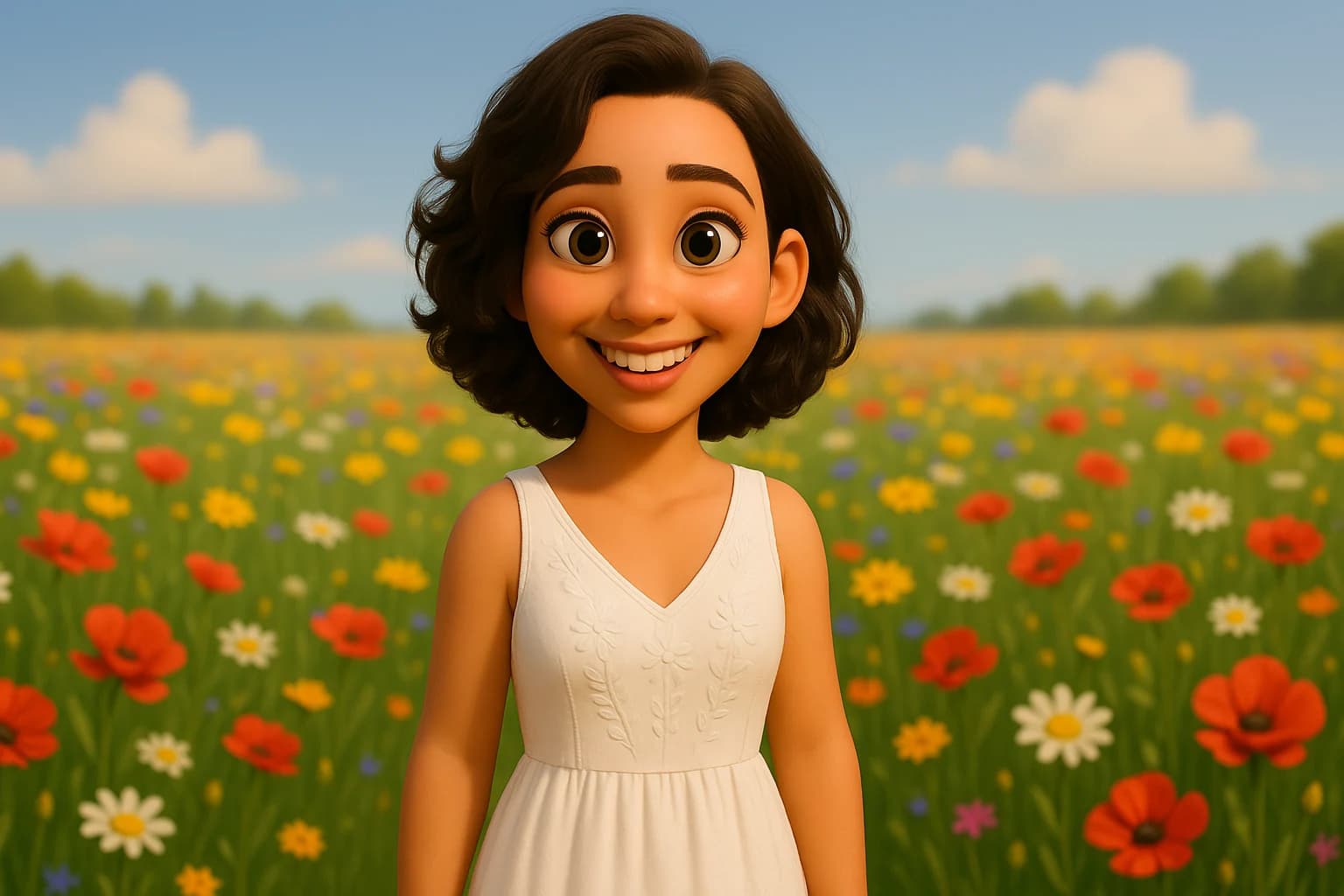
👉 Cambio de ropa: The same woman, now wearing a white summer dress, standing in a field of flowers, same hairstyle and facial features, Pixar-style.
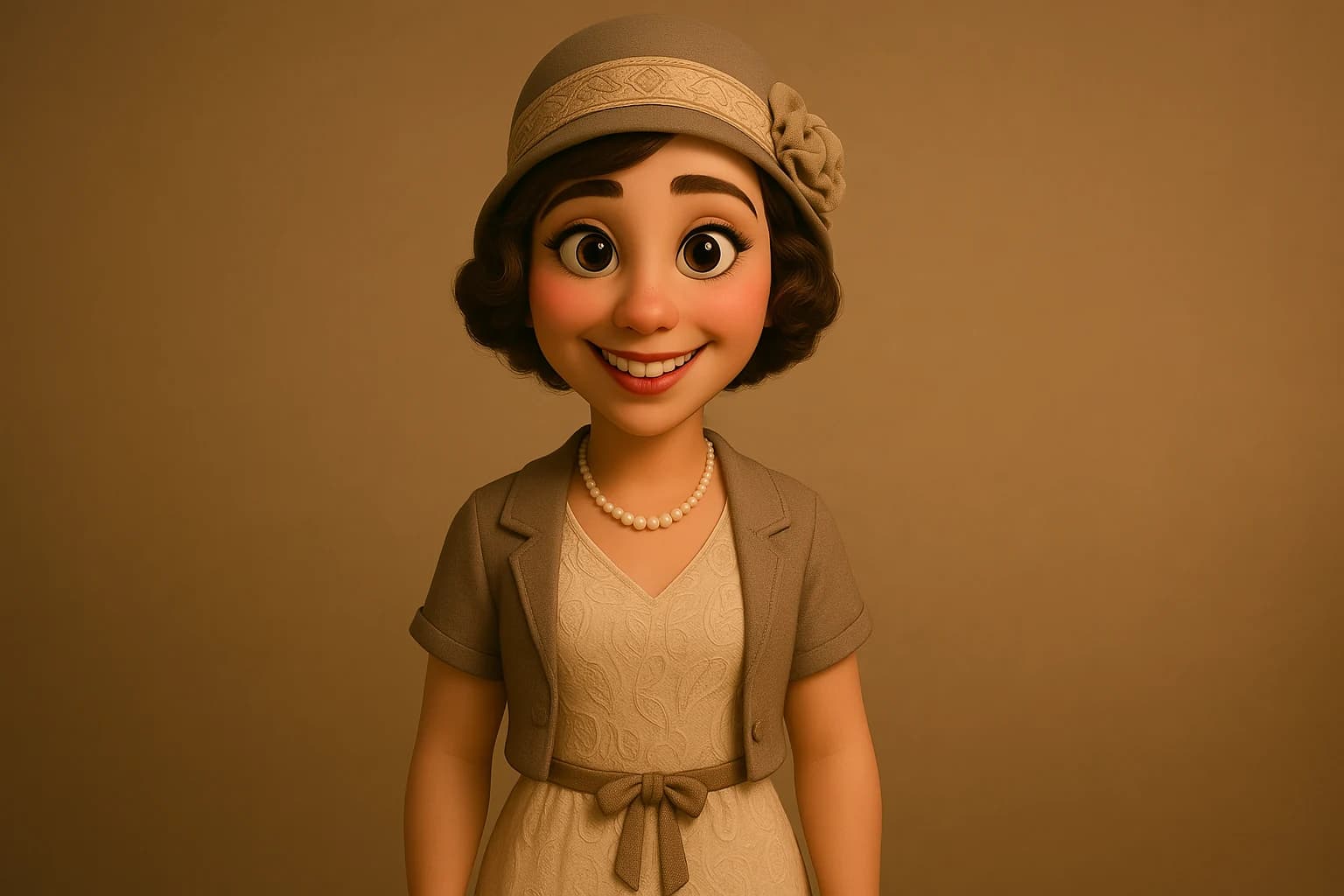
👉 Cambio de época: The same character, but in 1920s fashion, with vintage clothing and hairstyle adapted to that era, same face and features, Pixar-style.
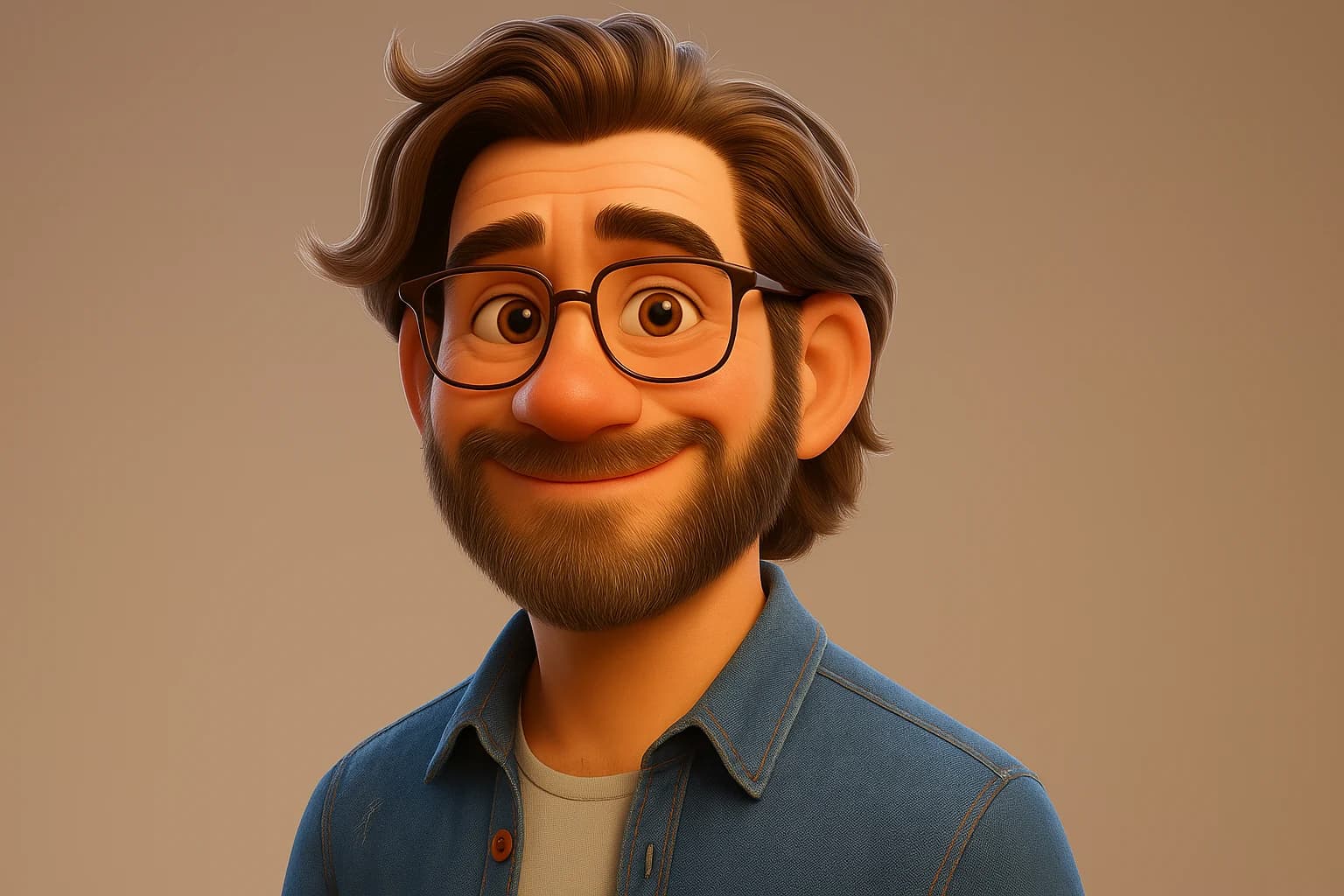
👉 Versión animada de una foto real (subí tu selfie): Create a Pixar-style 3D animated version of this person, keeping the same facial features, hairstyle and expression.
🧰 HERRAMIENTAS ADICIONALES PARA CONSISTENCIA
Canva o Photoshop: para hacer composiciones con múltiples escenas del personaje.
After Effects o CapCut: si vas a animar a tu personaje.
ChatGPT + DALL·E integrado: para editar visualmente desde un mismo entorno (ideal para flujo rápido).
🏁 CONCLUSIÓN
Con DALL·E, la clave para crear personajes consistentes está en:
Ser detallado en los prompts.
Usar imágenes como referencia.
Trabajar con cambios progresivos.
Usar palabras específicas como “same”, “identical”, “Pixar-style”.
Con práctica, vas a poder contar historias visuales o animadas con personajes que parezcan siempre los mismos. Perfecto para reels, marcas personales, storytelling o series web.